What Excavator Is and Why It Matters
Excavator is a dark web search engine designed to index onion sites and return results from the Tor network. Unlike surface web search engines, it crawls .onion addresses and catalogs pages that would never appear in Google or DuckDuckGo. The engine was built to help users navigate the legitimate parts of the dark web: forums, archives, privacy tools, and information resources.
The appeal is straightforward: you can search for onion links, verify addresses, and discover services without manually typing URLs or relying on word-of-mouth recommendations. However, Excavator's popularity has made it a target for phishing. Attackers register lookalike domains and clone the interface to capture login credentials, harvest browser fingerprints, or inject malware. This is why verifying the correct link before you visit is not optional.
How to Find the Legitimate Excavator Onion Link
The safest way to find Excavator is through the official Tor Project resources or verified community directories. Start by visiting the Useful Resources page on this site, which maintains a curated list of verified onion addresses with PGP signatures. This removes the guesswork and the risk of landing on a phishing clone on your first visit.
If you are verifying an address you found elsewhere, cross-reference it against multiple independent sources. Check the Tor Project's official documentation, security forums like Dread or r/Tor, and archived announcements from the Excavator maintainers. A legitimate address will be consistent across these sources and will have been discussed publicly for months or years without reports of compromise. Do not trust a single source, especially not a random forum post or a link from an unknown mirror site.
Recognizing Phishing Clones and Fake Mirrors
Phishing clones of Excavator typically fall into two categories: lookalike onion addresses and compromised mirrors.
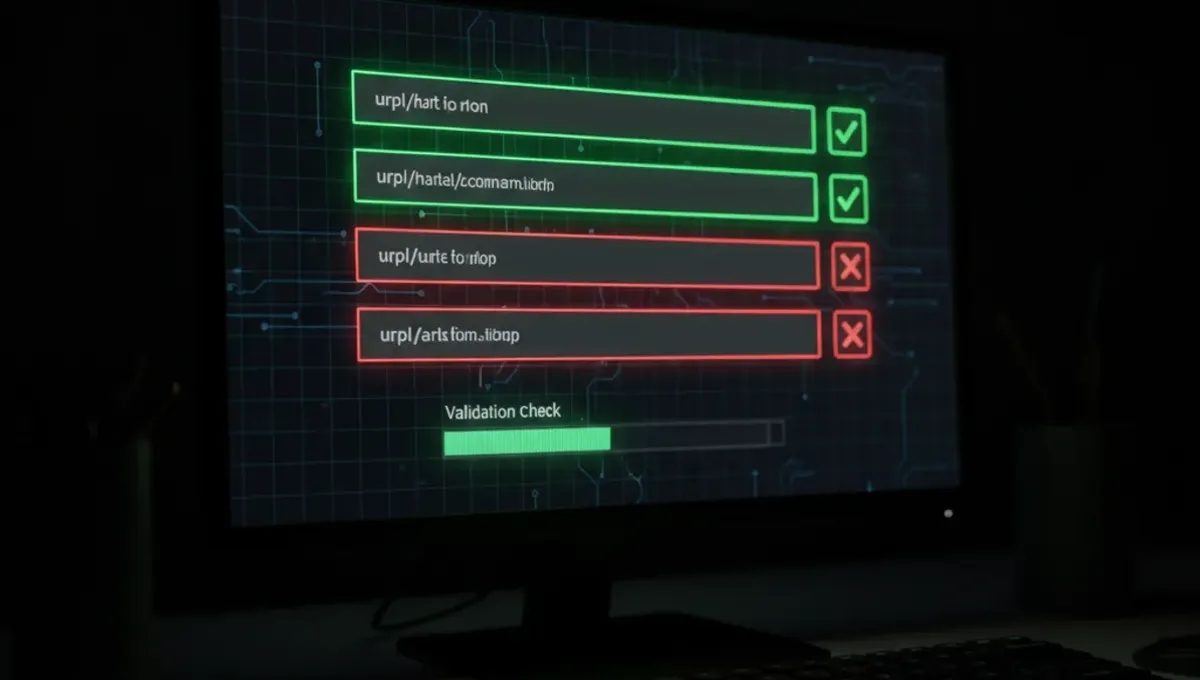
Lookalike addresses use similar character sequences to the real link. For example, a clone might replace the letter 'o' with the number '0', or use a slightly different spelling. When you land on the page, the interface looks identical to the real Excavator, but the backend is controlled by an attacker. These sites harvest your search queries, capture your Tor exit node fingerprint, or inject JavaScript to de-anonymize your browser.
Compromised mirrors are legitimate copies of Excavator that have been hacked or replaced by an attacker. They may have been running for months before the compromise was discovered. The page looks and functions normally, but malicious code runs in the background. This is why you should never assume that an old or well-known mirror is safe just because it has been around for a long time.
Verification Steps Before You Search
Before you use any Excavator link, follow this checklist to confirm it is legitimate:
- Copy the onion address from the Useful Resources page on this site or from an official PGP-signed announcement.
- Paste it into Tor Browser's address bar and wait for the page to load fully.
- Check the page title and the heading text. They should match the official Excavator branding exactly.
- Look for any warning banners or unusual prompts asking for passwords or personal information. Excavator does not require login.
- Test a simple search query and verify that results appear. If the page hangs, redirects, or shows an error, close the tab and do not return.
- Confirm that the address in Tor Browser's address bar has not changed after the page loaded. Redirects are a red flag.
If anything feels off, close the tab immediately and verify the address again from a trusted source. A few seconds of caution prevents weeks of exposure.
How Excavator Search Works on the Dark Web
Excavator crawls onion sites by following links and indexing text content, similar to how a surface web search engine works. It stores indexed pages in a database and returns results based on keyword matches. The search is fast and returns results from thousands of onion addresses, including forums, archives, and service directories.
One key difference from surface search engines is that Excavator does not track you or store your search history on its servers. Each search is stateless: the engine processes your query and returns results without logging your IP address or Tor exit node. This is by design, because logging would defeat the purpose of using Tor. However, this does not mean your searches are completely private. Your Tor exit node operator can see the search terms you send to Excavator, and the Excavator server can see your Tor exit node. Using Excavator through Tor Browser mitigates this risk but does not eliminate it entirely.
Comparing Excavator to Other Tor Search Engines
Excavator is one of several search engines designed for the dark web. Others include Torch, Ahmia, Haystak, and Not Evil. Each has different strengths and weaknesses.
Torch is one of the oldest and most widely known, but it has been targeted by law enforcement and has experienced downtime. Ahmia focuses on indexing legitimate onion sites and filters out known malware and phishing pages. Haystak uses a different crawling strategy and returns results from a smaller but curated index. Not Evil is maintained by a single operator and is known for transparency about its indexing methods.
Excavator sits in the middle: it has a large index, returns results quickly, and is maintained by a dedicated team. However, like all search engines, it is only as good as its index. If a site is not crawled, it will not appear in results. For comprehensive dark web searches, many users check multiple engines and cross-reference results. This reduces the risk of missing information or landing on a phishing clone that masquerades as one engine but is actually another.
Reality Check: How the Ecosystem Actually Works
Three insights about dark web search engines matter for your safety:
First, search engines are high-value targets for phishing because users trust them as gateways. According to Tor Project documentation on onion service security, search engines receive millions of requests per day, making them attractive to attackers who want to harvest data at scale. This matters because it means you cannot assume that any search engine link is safe just because it is popular.
Second, the dark web index is incomplete and constantly changing. Sites go offline, mirrors disappear, and new services launch daily. No search engine has a complete picture of the dark web. This is why results vary between engines and why you should verify important information through multiple sources rather than relying on a single search result.
Third, law enforcement actively monitors dark web search engines and the sites they index. Court records and public law-enforcement press releases document cases where search engines were seized or their operators were arrested. This does not mean using a search engine is illegal, but it means that your searches and the sites you visit may be logged by authorities. Using Tor Browser and a VPN does not guarantee anonymity. Assume that your activity could be traced if you engage in illegal activity, and act accordingly.
Safe Search Practices on Tor
Using Excavator or any dark web search engine safely requires discipline beyond just verifying the link. Start by keeping Tor Browser updated to the latest version. Each update patches security vulnerabilities that attackers exploit to de-anonymize users. Do not customize Tor Browser's window size or install plugins, because these create a unique fingerprint that can be used to identify you across sites.
When you search, use specific keywords rather than broad terms. Vague searches return more results and increase the chance that you will click on a phishing clone or malware-hosting site. If you find a site through search results, verify its address against multiple sources before entering any information or downloading files. Many dark web sites use HTTPS, but this does not guarantee they are legitimate. A phishing clone can have a valid SSL certificate.
Finally, assume that every site you visit could be compromised or malicious. Do not enable JavaScript unless absolutely necessary. Do not download files unless you have a specific reason and you trust the source. Do not enable plugins or extensions. These precautions are not paranoid; they are standard practice for anyone using the dark web regularly.
Frequently asked questions
How do I know if an excavator link is real or a phishing clone
Verify the address against the Useful Resources page on this site or official PGP-signed announcements. Check that the page title and interface match the official Excavator branding exactly. Test a simple search and confirm the address bar has not changed. If anything feels off, close the tab and verify again from a trusted source.
Can I search the dark web anonymously using excavator on tor
Excavator does not log your searches, but your Tor exit node operator can see your search terms, and the Excavator server can see your Tor exit node. Using Tor Browser mitigates this risk but does not guarantee complete anonymity. Assume that your searches could be traced if you engage in illegal activity.
What is the difference between excavator and torch for dark web search
Torch is older and more widely known but has experienced downtime and law enforcement attention. Excavator has a large index and fast results. Both are targets for phishing. Many users check multiple search engines and cross-reference results to reduce the risk of missing information or landing on a clone.
Is it illegal to use excavator or other dark web search engines
Using a search engine is not illegal. However, law enforcement monitors dark web search engines and the sites they index. Your searches and the sites you visit may be logged by authorities. Illegal activity on the dark web carries legal risk regardless of which search engine you use.
What should I do if I accidentally clicked on a phishing excavator clone
Close Tor Browser immediately. Do not enter any information or download files. Restart Tor Browser to get a new Tor circuit and exit node. If you entered a password or sensitive information, change it on other devices using a different network. Monitor your accounts for suspicious activity.